Infographics, Slides & QR Codes: GPT Image 2 Text Workflow
~99% multilingual text accuracy makes real documents possible — but the model fabricates data, so search the facts yourself and inject them into the prompt.
Text rendering crossed the line from gimmick to tool
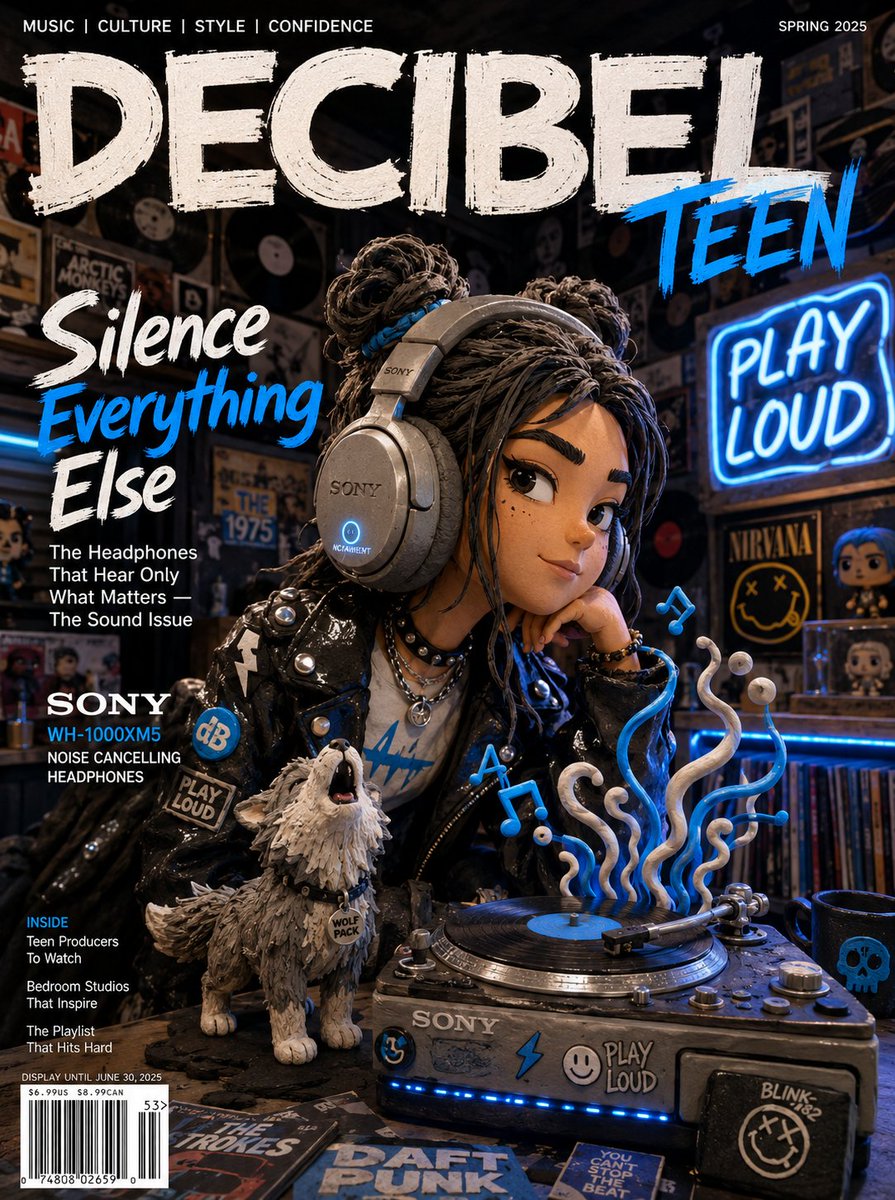
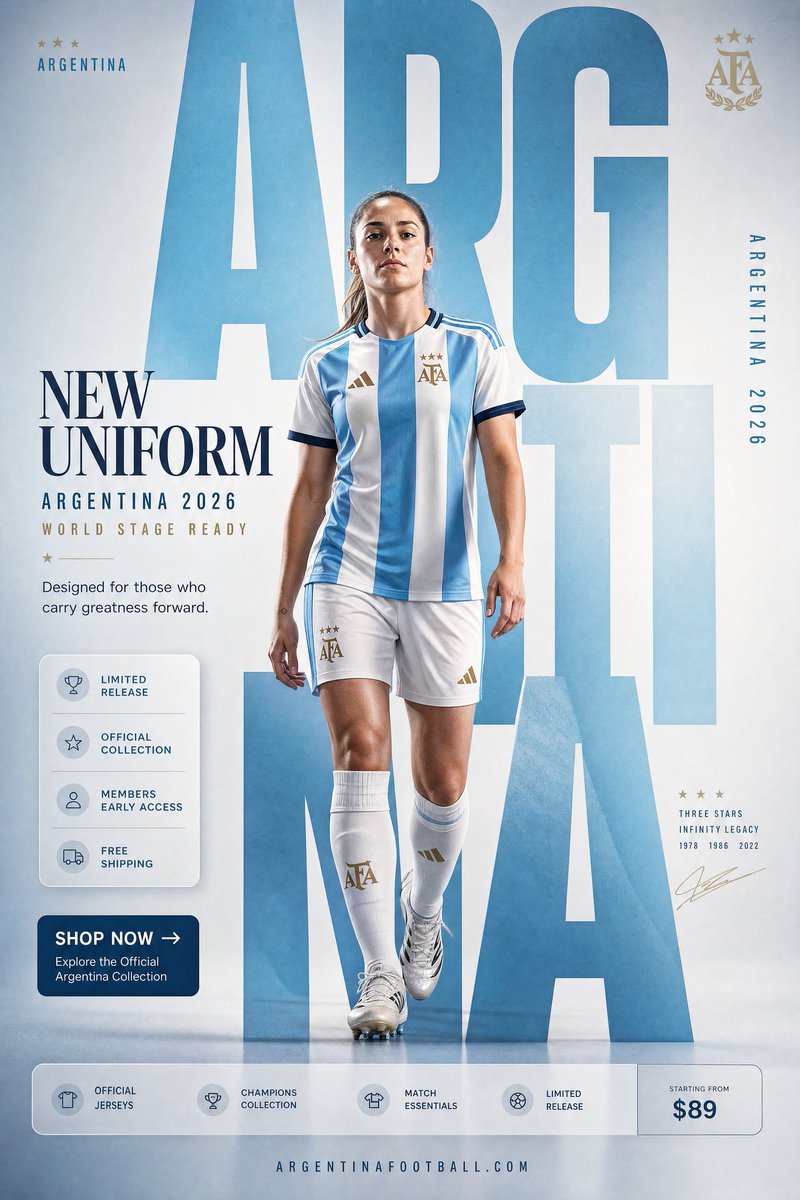
For the entire first generation of image models, text was the tell. Signs melted into pseudo-letters, charts dissolved into noise, and anything resembling a document was simply off the table. GPT Image 2 changed that: third-party coverage puts its character-level text accuracy at roughly 99% across more than ten scripts — Latin, Japanese, Korean, Chinese, Hindi, Bengali, Arabic and others — including mixed-script layouts like Japanese with embedded English, or Arabic running alongside Western numerals.
The jump shows up in independent testing too. Hacker News commenters running editing benchmarks reported scores going from 3/12 on earlier versions to 10/12 on the new model, and VentureBeat's launch headline summed up the category shift: multilingual text, full infographics, slides, maps, even manga — seemingly flawlessly.
The second ingredient matters as much as the glyphs: the model can coherently render 100+ distinct objects in a dense scene. That density is what keeps data callouts, small UI labels and crowded comparison charts legible instead of collapsing into texture. Accurate characters plus dense-scene coherence is the combination that turns an art toy into a document tool.
What you can actually ship now
A whole category of deliverables that was impossible a model-generation ago is now a single prompt away:
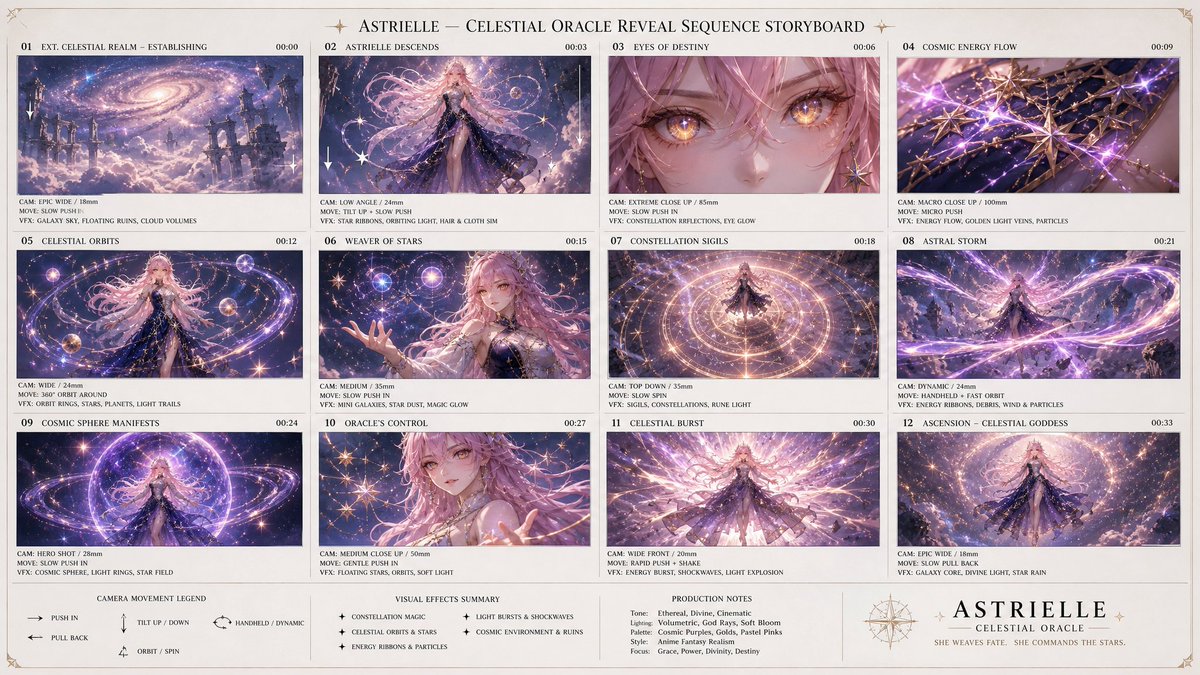
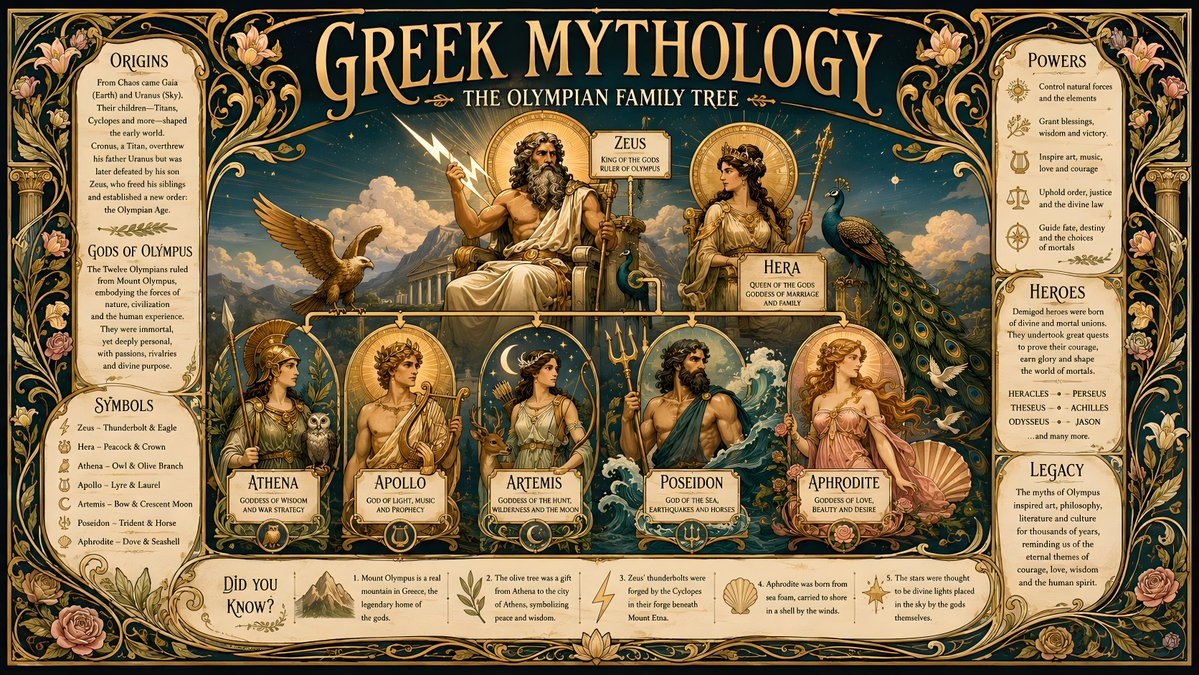
- Complete infographics with labeled sections, data annotations and comparison charts
- Presentation slides with headline, body copy and a chart composed in one frame
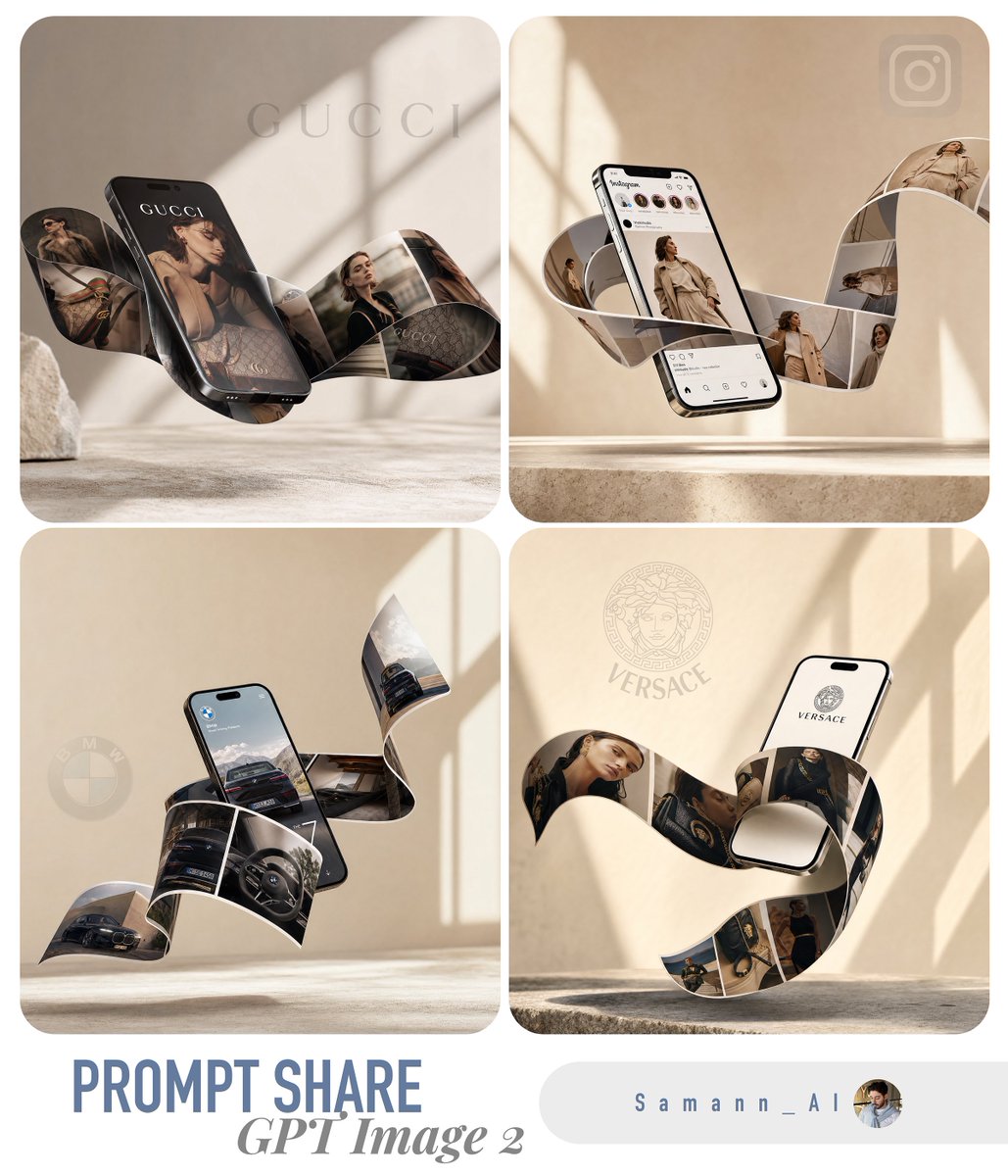
- Posters and packaging with working, scannable QR codes and barcodes embedded directly in the design — demonstrated in a wild-use-cases writeup that made the rounds on Hacker News
- Maps with labeled regions, multi-panel manga with lettered dialogue, magazine-style layouts
- Small-type UI labels in product mockups that survive close reading
The multilingual side is not a footnote. According to TechCrunch, citing Sensor Tower and Similarweb data, improved Hindi and Bengali rendering fueled a wave of regional meme and poster creation in India — reportedly around 5 million ChatGPT downloads there during launch week versus roughly 2 million in the US, the biggest measurable adoption story of the launch.
The failure mode nobody warns you about
Here is the trap: the model now renders text perfectly, so its output looks authoritative — and it will confidently fabricate the content of that text. Ask for a results infographic and it invents plausible numbers. One widely shared example: an April 2026 London Marathon results infographic that was clean, legible and professionally laid out, and simply missed the actual world record. Every character was rendered correctly; the facts behind them were wrong.
Text accuracy and factual accuracy are different properties. GPT Image 2 is a superb typesetter and a poor researcher. If your infographic is going anywhere that matters — a client deck, a report, a social account with your name on it — you cannot let the model supply the data.
The community-proven pipeline is blunt: run the web search yourself, paste the retrieved facts into the prompt as the single source of truth, and tell the model to use only those. Developers take it one step further and call the gpt-image-2 API directly with programmatically injected data, rather than trusting anything in the model's training memory.
The production workflow, step by step
- Research first: pull your numbers, names and dates from real sources, never from the model
- Structure the facts as short labeled lines (LABEL: value) — the model treats them as layout content
- Specify the layout language: sections, callouts, chart type, languages, aspect ratio
- Generate, then proofread every figure against your source list — not against what looks right
A good calibration test before you trust the workflow with real work is the prompt third-party testers used to verify multilingual rendering — all text came back readable and correctly spelled:
Create a step-by-step infographic explaining how espresso is made, with labeled sections, data callouts and a comparison chart, in Japanese with English subtitles.For real deliverables, switch to a fact-injection template. Everything between DATA and END DATA comes from your own research; the model's job is purely visual. The instruction not to add or estimate is load-bearing — without it, the model will helpfully fill gaps with invented context, and it will look completely convincing:
Create a clean one-page results infographic.
Use ONLY the facts below — do not add, estimate or "correct" any number.

DATA:
EVENT: [event name and date]
WINNER: [name] — [time or score]
RECORD: [current record holder and mark]
KEY STAT 1: [label]: [value]
KEY STAT 2: [label]: [value]
END DATA

LAYOUT: bold headline at top, three labeled stat callouts,
one simple comparison bar chart, footer with a source line.
STYLE: flat editorial infographic, two-color palette, generous spacing.
Treat prompts like production infrastructure
The community already does. Typography posters that lean on the text accuracy are one of the consolidated top-ten community prompt templates, and the wuyoscar/GPT-Image2-Skill template repo reportedly reached 2,862 stars and 253 forks within about six weeks of launch — figures verifiable through the GitHub API. People version these templates the way they version code, not the way they collect curiosities.
Do the same with your infographic workflow: keep the LAYOUT and STYLE blocks fixed, swap the DATA block per job, and your output stays visually consistent across an entire series. If you want ready-made starting points for posters and text-heavy layouts, browse the prompt library at https://gpt-img2.com/prompts.
GPT Image 2 is free to start — you get 20 credits on sign-up, no credit card required. Run the espresso test prompt first to see the text rendering for yourself, then bring your own researched data and try the full workflow at https://gpt-img2.com.
Try these GPT Image 2 prompts
Try these techniques now
Open the free GPT Image 2 generator and put this into practice — 20 free credits, no credit card.