GPT Image 2 API Pricing Explained (2026)
The token model, the real per-image numbers by quality and resolution, and when raw API beats a managed plan.
GPT Image 2 is priced per token, not per image
If you came from DALL-E 3, the first surprise is that GPT Image 2 does not charge a flat fee per picture. It is a token-based model: you pay for the text tokens in your prompt, for any image tokens you send in (when editing or passing reference images), and for the image tokens the model generates as output. Bigger sizes and higher quality settings produce more output tokens, so the cost of a single generation moves with what you ask for.
OpenAI publishes the GPT Image 2 token rates on its API pricing page. As of this writing they are:
- Image input: $8.00 per 1M tokens (cached input $2.00 per 1M)
- Image output: $30.00 per 1M tokens
- Text input: $5.00 per 1M tokens (cached input $1.25 per 1M)
Text input is your prompt. Image input only applies when you send pixels into the model (edits, reference images). Image output is the generated picture, and for most plain text-to-image generations it is the line item that dominates your bill. Always confirm the current numbers at platform.openai.com/docs/pricing before you build a budget on them — OpenAI revises rates over time.
How many tokens an image actually costs
Because output is billed in tokens, you need the token count for the size and quality you pick. OpenAI lists these in its image generation guide. The numbers below are the output image tokens generated per request:
Quality   Square 1024x1024   Portrait 1024x1536   Landscape 1536x1024
Low       272 tokens         408 tokens           400 tokens
Medium    1056 tokens        1584 tokens          1568 tokens
High      4160 tokens        6240 tokens          6208 tokens
GPT Image 2 output image tokens by quality and size (source: OpenAI image generation guide).
A useful detail: the relationship between pixels and price is not strictly linear. The model tokenizes the canvas, so at the same quality a non-square aspect can land at a slightly different cost than the square version — in GPT Image 2's published per-image table the portrait and landscape rates actually come in a little below the square one at medium and high quality. Layout matters, not just total pixel count.
One more thing to budget for: streaming. If you use the partial_images parameter to show a picture as it renders, each partial image adds about 100 image output tokens on top of the final result.
The real per-image cost by quality
Token counts are useful for intuition, but you do not need to convert them yourself — OpenAI publishes an approximate per-image cost table directly. (Note that these figures are not simply the output token count times the rate; OpenAI's per-image numbers bake in the model's own overhead, so treat the table below as the authoritative reference rather than something to recompute.) These are the approximate costs per generated image for GPT Image 2; they reflect the rendered image only, so add your text input tokens — and any input image tokens when editing — on top.
GPT Image 2 — approx. cost per generated image
Quality   1024x1024   1024x1536   1536x1024
Low       $0.006      $0.005      $0.005
Medium    $0.053      $0.041      $0.041
High      $0.211      $0.165      $0.165
Source: OpenAI image generation guide, per-image output pricing table.
Read that table the way it is built: low quality is almost free (well under a cent), medium sits around four to five cents, and high quality is the expensive tier at roughly 16 to 21 cents an image. The quality knob, not the resolution, is the biggest lever on your bill — jumping from low to high multiplies cost by roughly 35x at 1024x1024.
If high-quality output is too rich for your volume, OpenAI also offers GPT Image 1 Mini, a cheaper model in the same family. Tier for tier it undercuts GPT Image 2 — its high-quality 1024x1024 is listed at about $0.036, versus $0.211 for GPT Image 2 high — at the cost of some fidelity. For thumbnails, drafts, and high-volume pipelines it can change the economics entirely.
GPT Image 2 vs DALL-E 3 on cost
DALL-E 3 is the model most people compare against, and it uses the old flat per-image pricing. OpenAI's current DALL-E 3 rates are:
- Standard quality: $0.04 for 1024x1024, $0.08 for 1024x1536 or 1536x1024
- HD quality: $0.08 for 1024x1024, $0.12 for 1024x1536 or 1536x1024
Put the two side by side at 1024x1024 and the picture is interesting. GPT Image 2 at low quality (about $0.006) is roughly seven times cheaper than DALL-E 3 standard ($0.04). GPT Image 2 at medium ($0.053) lands a little above DALL-E 3 standard but below its HD tier. Only GPT Image 2 at high quality ($0.211) is meaningfully more expensive than any DALL-E 3 option.
So the headline is not simply newer-equals-pricier. GPT Image 2 gives you a sliding scale: you can go far cheaper than DALL-E 3 for drafts, match it for production work, and pay a premium only when you explicitly ask for top-tier detail. DALL-E 3, by contrast, has no cheap tier — even a throwaway image costs four cents. For variable workloads the token model usually wins.
Worked examples: what 100 and 1,000 images cost
Concrete volumes make the numbers land. These use the per-image output costs above at 1024x1024 and ignore the small text-prompt overhead, which for a typical short prompt adds well under a cent per image.
- 100 low-quality images on GPT Image 2: ~$0.60
- 100 medium-quality images on GPT Image 2: ~$5.30
- 100 high-quality images on GPT Image 2: ~$21.10
- 100 standard DALL-E 3 images: ~$4.00
- 1,000 low-quality images on GPT Image 2: ~$6
- 1,000 medium-quality images on GPT Image 2: ~$53
- 1,000 high-quality images on GPT Image 2: ~$211
- 1,000 standard DALL-E 3 images: ~$40
The pattern: if your job is exploratory or high-volume, low-quality GPT Image 2 is dramatically cheaper than anything DALL-E 3 offers — about a tenth of the cost per image. Medium quality lands a hair above DALL-E 3 standard. If every image must be hero-grade, high-quality GPT Image 2 is the most expensive route here — about five times a DALL-E 3 standard image — and that is the case where you most want to reach for the next section.
The cost factors people forget
The per-image table is the headline, but a real invoice has a few more lines. Budget for these before you ship:
- Input tokens are billed separately. Your prompt is text input at $5.00 per 1M tokens. A 50-word prompt is only a fraction of a cent, but if you stuff long style guides and instructions into every call, it adds up across thousands of generations.
- Edits and reference images cost more. Sending pixels into the model uses image input tokens at $8.00 per 1M, and GPT Image 2 processes input images at high fidelity. So an edit or a reference-guided generation is not just the output cost — it carries an input-image charge too.
- Quality choice dwarfs everything. Moving from low to high quality at 1024x1024 takes you from about $0.006 to about $0.211 per image. No other knob comes close. Default to the lowest quality that passes review and only escalate when the asset demands it.
- Batch is a lever. OpenAI exposes a Batch tier for image generation alongside the standard rate; if your work is asynchronous and tolerant of delay, it is worth checking the Batch column on the pricing page for a lower effective rate.
- Cheaper models exist. GPT Image 1 Mini sits in the same family and, tier for tier, costs materially less than GPT Image 2 (its high 1024x1024 is ~$0.036 vs $0.211). For drafts, variations, and high-volume jobs it can cut spend without changing your code path much.
None of these break the bank individually, but together they explain why a real bill is usually a bit above the bare per-image figure. Estimate with the output table, then add a buffer for prompt and edit overhead.
Raw API vs a managed credit plan (gpt-img2.com)
The OpenAI numbers above are the model cost only. They assume you write the integration, handle auth and retries, manage rate limits, store outputs, and absorb the engineering time. A managed UI like gpt-img2.com wraps the same class of model in a credit system so you trade a per-token bill for a flat monthly allowance.
gpt-img2.com prices generations in credits by resolution tier:
- 1K (e.g. 1024x1024): 10 credits per image
- 2K: 40 credits per image
- 4K: 160 credits per image (available on widescreen ratios like 16:9, 2:1, 21:9)
Those credits come from a monthly plan:
- Starter: $9.90/month for 3,000 credits
- Pro: $19.90/month for 7,000 credits
- Studio: $49/month for 20,000 credits
On Studio, 20,000 credits for $49 works out to about $0.00245 per credit. A 1K image (10 credits) therefore costs roughly $0.025, a 2K image about $0.10, and a 4K image about $0.39 — and that price already includes the hosted interface, storage, and no API code to maintain. On Starter the effective rate is higher (about $0.033 per 1K image, since you are paying for a smaller allowance), which is the normal shape of volume pricing.
A clean way to think about it: roughly $0.025 per 1K image on Studio is in the same ballpark as GPT Image 2 medium quality on the raw API (about $0.041–$0.053 per image), except you skip the build entirely. The managed plan trades a slightly different unit economics for zero engineering overhead and a predictable monthly cap.
When to use the API vs a managed UI
Reach for the raw GPT Image 2 API when:
- You are embedding image generation inside your own product or automated pipeline
- Your volume is large or spiky and you want to ride the low/medium token tiers to keep costs down
- You need programmatic control — batching, custom retries, your own storage and moderation
- You have the engineering capacity to build and maintain the integration
Reach for a managed plan like gpt-img2.com when:
- You want to generate images now, in a browser, without writing code
- You prefer a predictable flat monthly cost over a variable per-token invoice
- You value built-in storage, history, and a UI over raw API access
- Your volume fits comfortably inside a plan's monthly credit allowance
The two are not mutually exclusive. Many teams prototype and create one-off assets in a managed UI, then move the repeatable, high-volume work into the API once the use case is proven and the cost math justifies the build.
FAQ
- Is GPT Image 2 cheaper than DALL-E 3? It depends on quality. At low quality (~$0.006) GPT Image 2 is far below DALL-E 3 standard ($0.04). At medium (~$0.053) it is slightly above DALL-E 3 standard but below its HD tier ($0.08). At high quality (~$0.211) it is the most expensive of the bunch.
- What is the cheapest way to generate with GPT Image 2? Low quality at 1024x1024, around $0.006 per image. If you want even lower cost at a given quality tier, GPT Image 1 Mini is cheaper than GPT Image 2 quality-for-quality (its high 1024x1024 is ~$0.036), at some loss of fidelity.
- Do I pay for the prompt too? Yes. Text input is billed at $5.00 per 1M tokens, but for short prompts this adds well under a cent per image. Editing with reference images adds image input tokens at $8.00 per 1M.
- Does resolution always raise the price? Not strictly. In GPT Image 2's published per-image table, the portrait and landscape rates actually sit a little below the square rate at medium and high quality. Either way, quality is a far bigger lever on cost than size.
- Will these prices change? Almost certainly. Token rates and per-image figures here are current as of 2026 from OpenAI's docs — always verify the live numbers at platform.openai.com/docs/pricing before committing a budget.
The short version
GPT Image 2 bills per token, so cost scales with quality and size. Low quality is under a cent, medium is a few cents, high quality is the pricey tier near twenty cents at 1024x1024. Against DALL-E 3's flat $0.04–$0.12, GPT Image 2 is much cheaper for drafts, roughly comparable at medium quality (a little above DALL-E 3 standard, below HD), and pricier at top quality. If you would rather not write the integration at all, a managed plan like gpt-img2.com turns the same work into roughly $0.025 per 1K image on Studio with no code to maintain. Pick the API for scale and control; pick the managed UI for speed and predictability.
Try these GPT Image 2 prompts

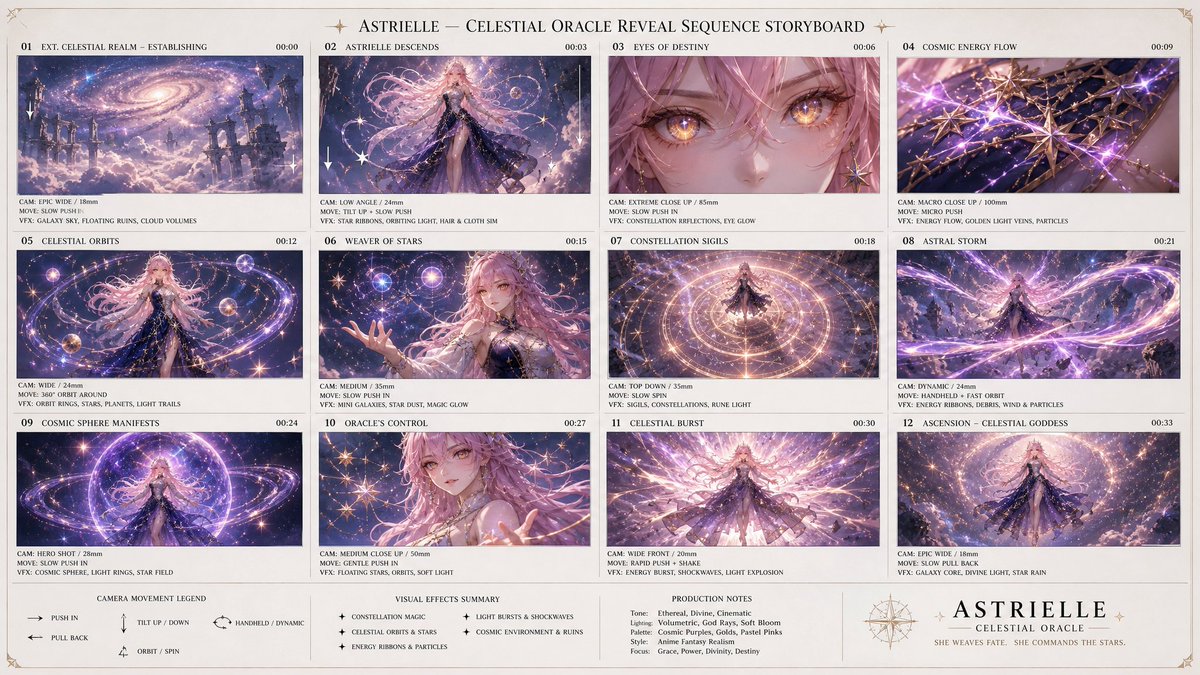
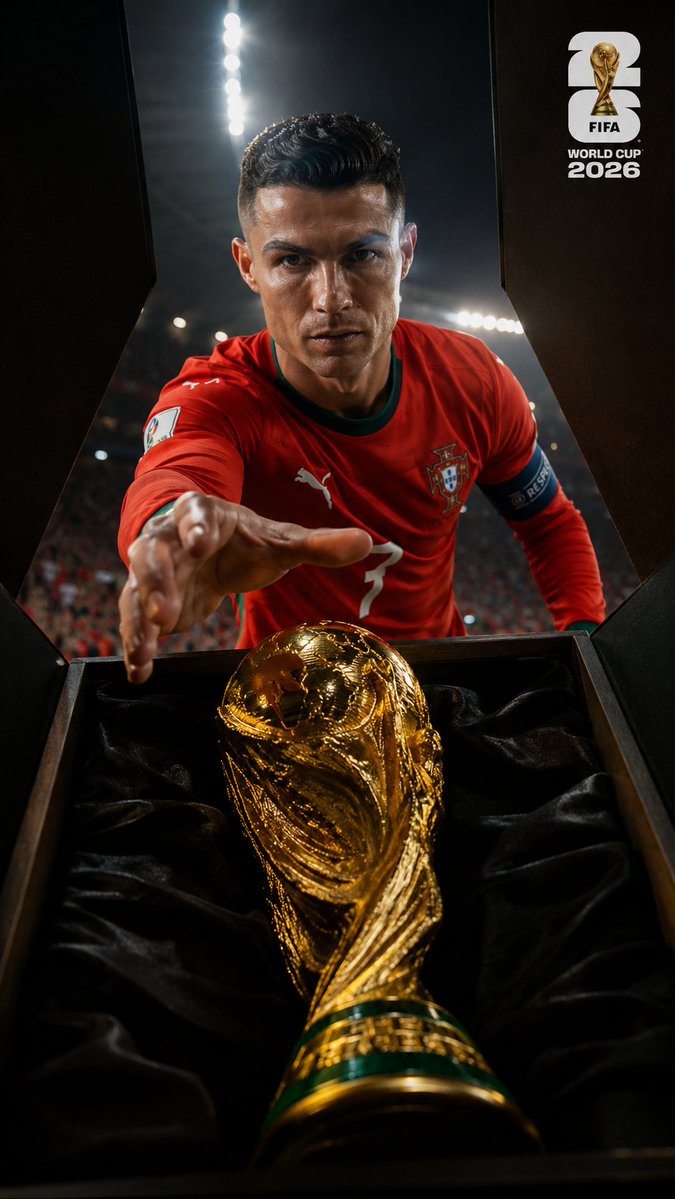
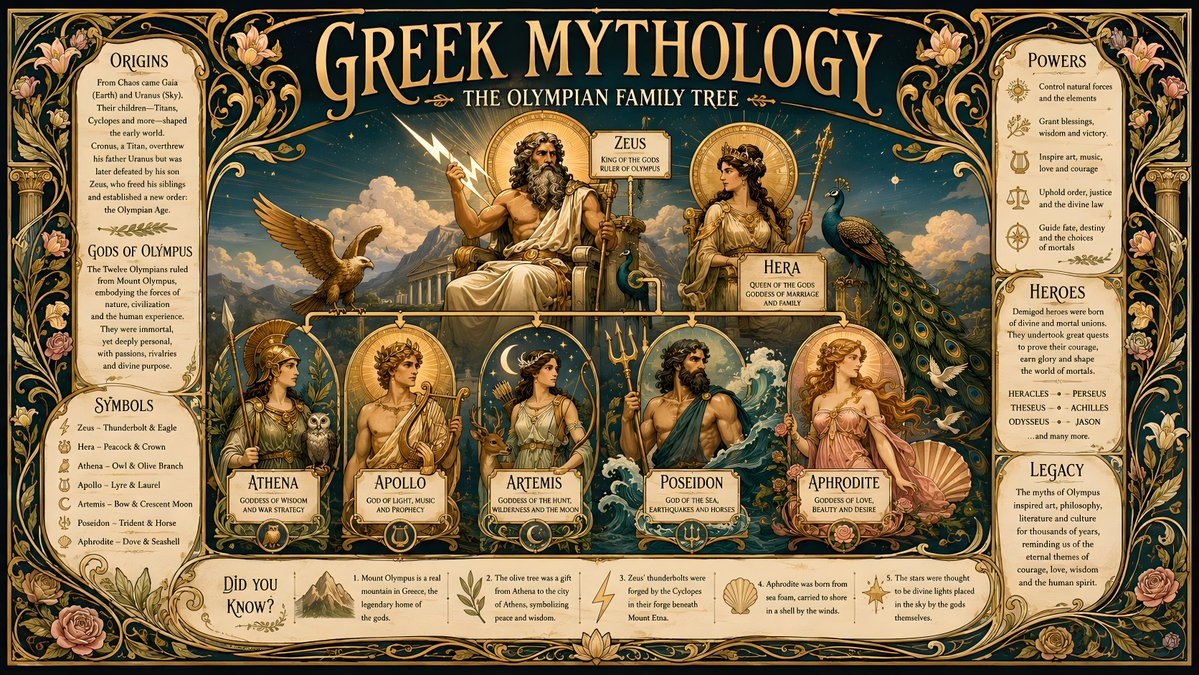
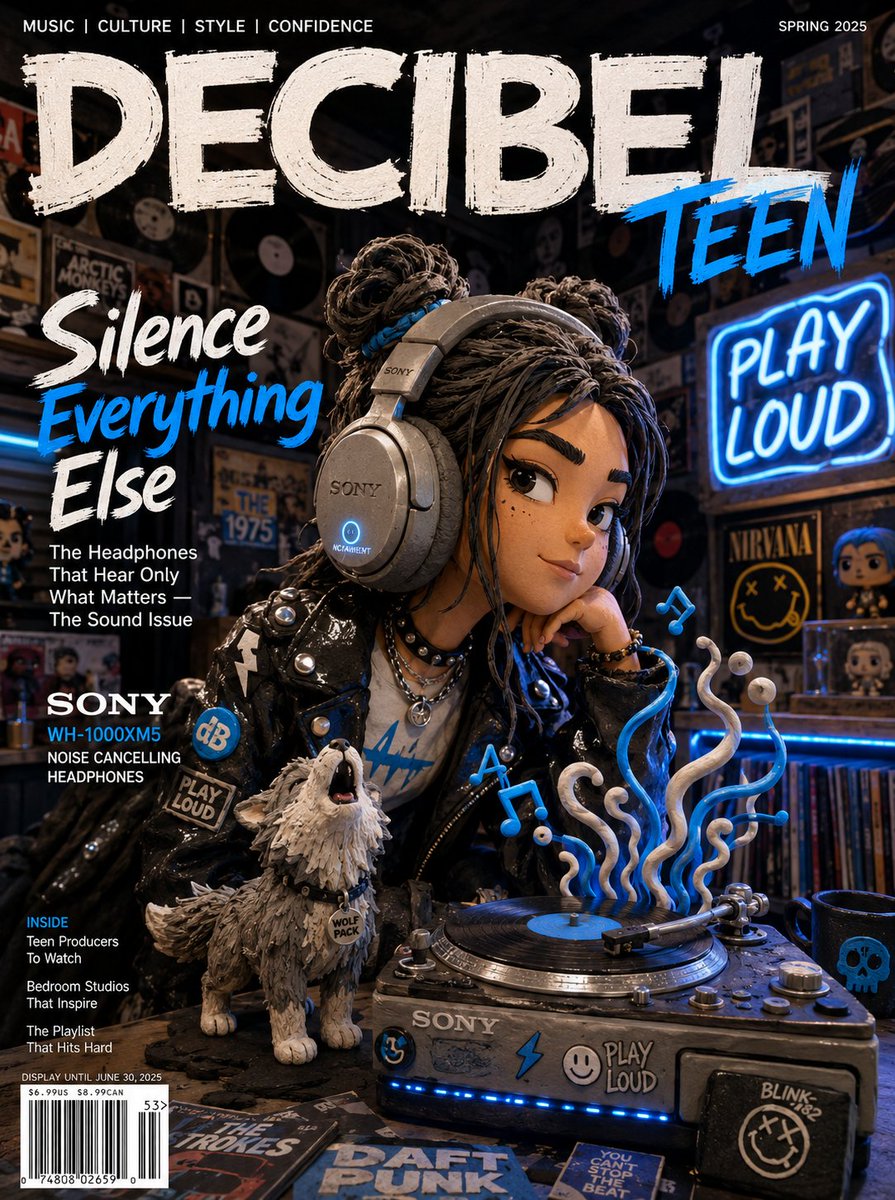

Try these techniques now
Open the free GPT Image 2 generator and put this into practice — 20 free credits, no credit card.