15 Viral GPT Image 2 Prompts (With Real Examples, 2026)
Ad campaigns, e-commerce hero shots, editorial product photography, and text-heavy posters — the prompts people keep sharing, with links to the real cases.
What makes a GPT Image 2 prompt go viral
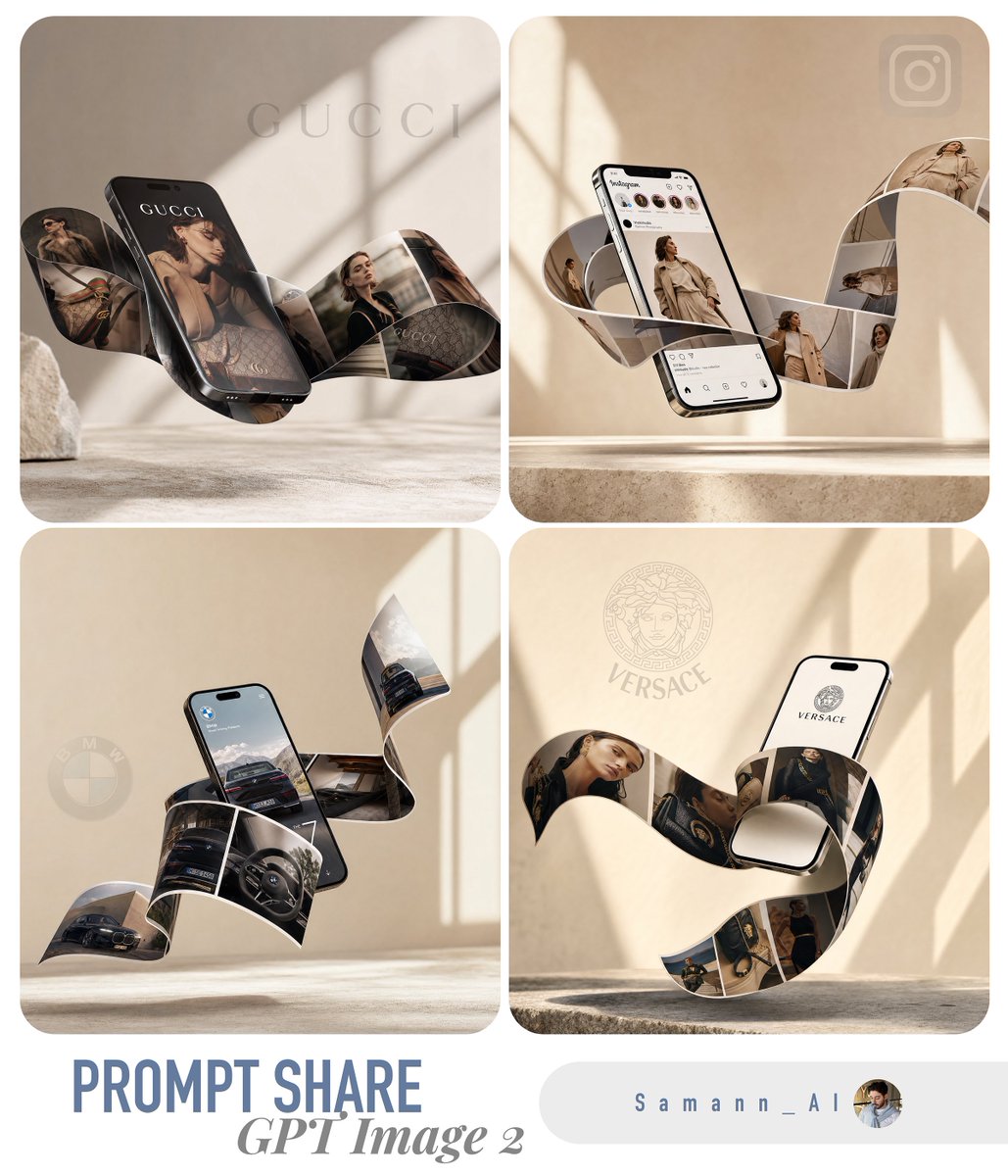
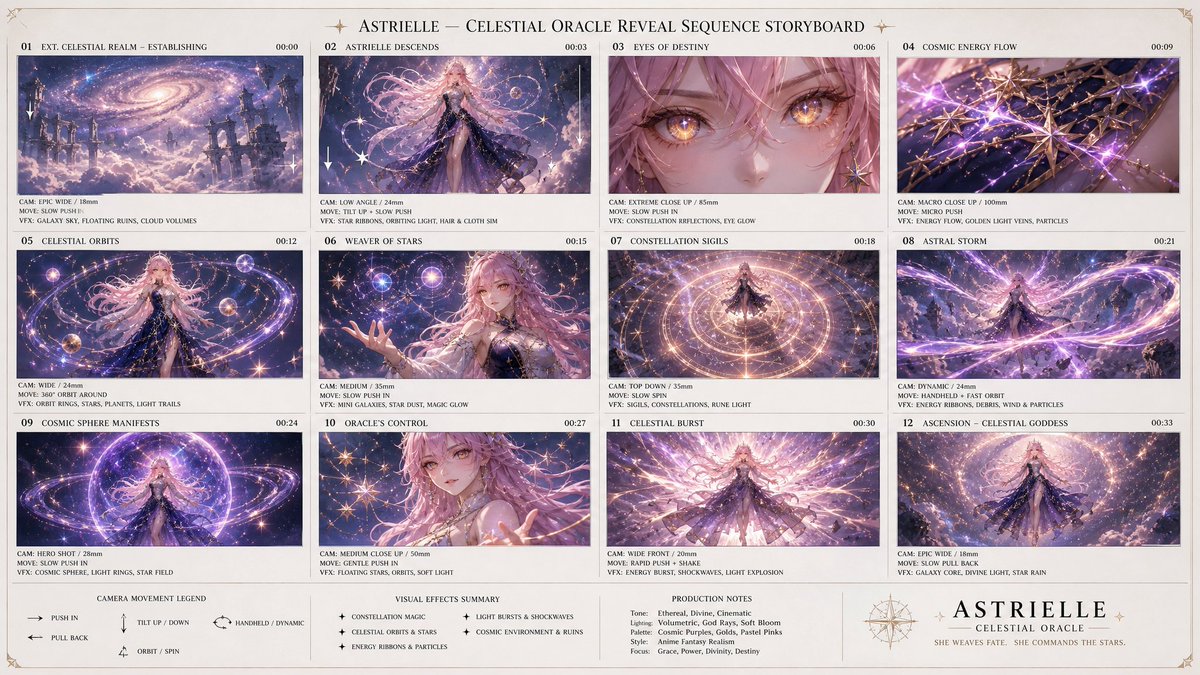
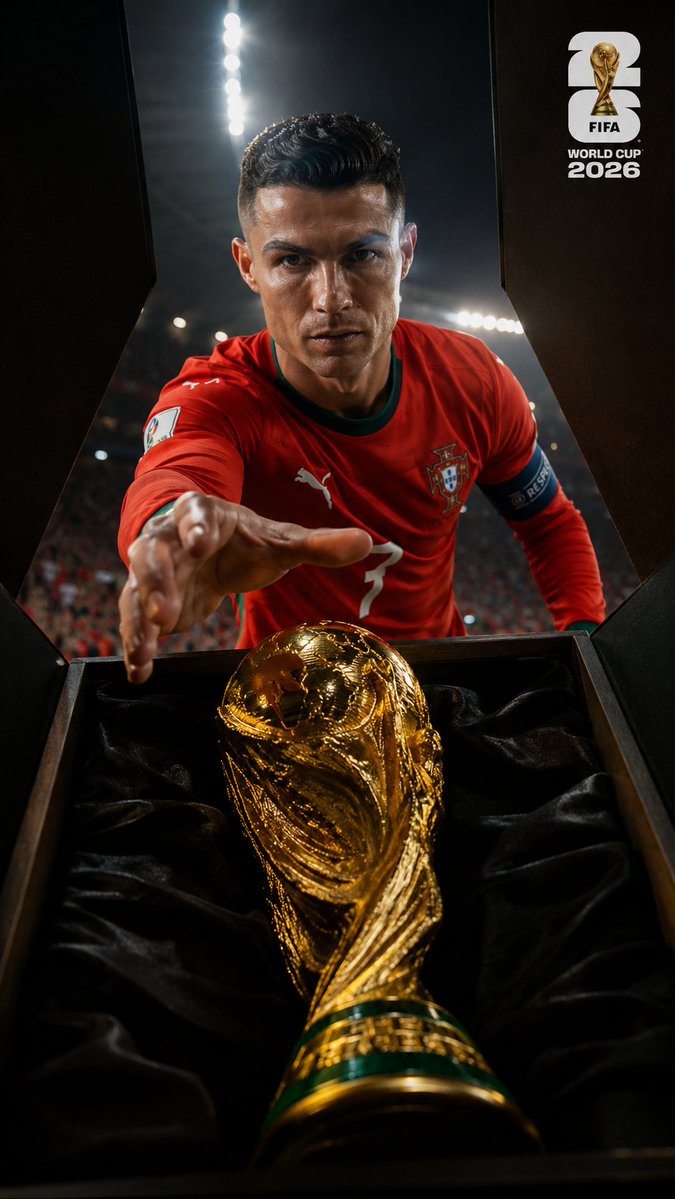
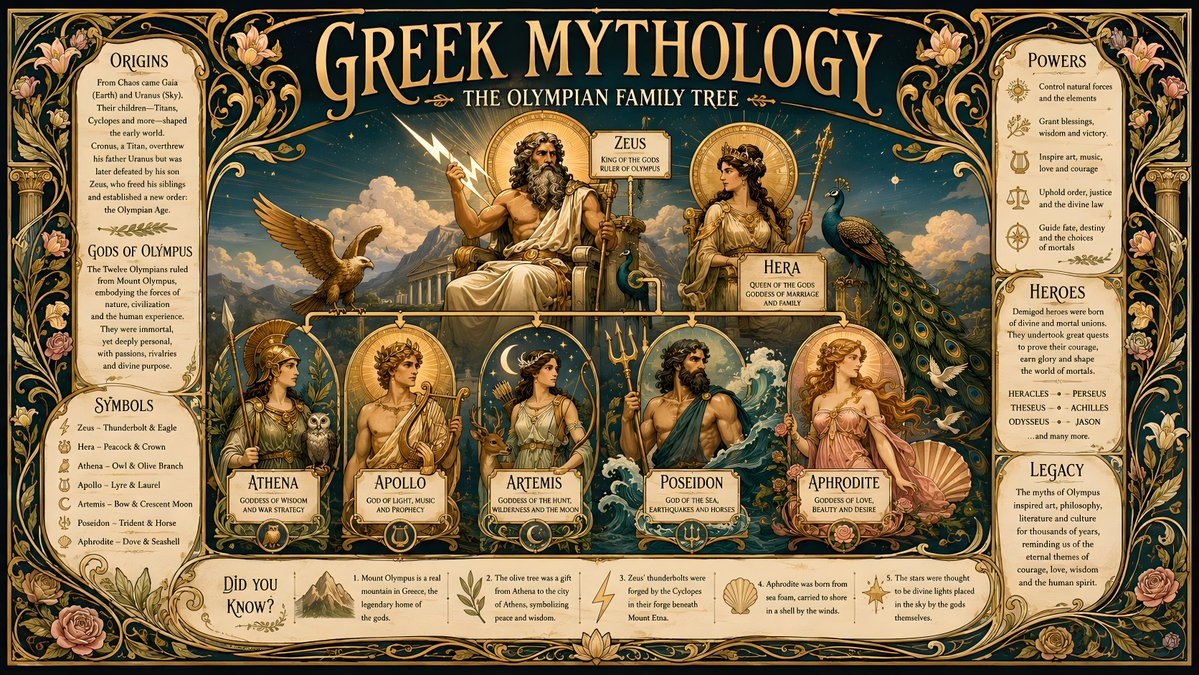
The GPT Image 2 prompts that get shared the most tend to share three traits: they ask for in-image text, they describe a complete commercial layout (not just a subject), and they lock down a specific color palette. The model often handles all three well, so prompts that lean into them produce screenshots people want to repost.
This is a hand-picked list of the best GPT Image 2 prompts we have collected — 15 real cases you can open on this site, read in full, and copy. They are grouped by what they are good for: ad posters, e-commerce hero shots, editorial product photography, portraits and posters, and a text-rendering showcase. For each one, here is why it works and a direct link to the full prompt.
Quick note on how to read these: a strong GPT Image 2 prompt reads like an art director's brief, not a search query. Notice how the best ones name the typography, the exact hex colors, the camera angle, and the mood — that specificity is what separates a standout result from a generic one.
Ad posters that read like a real campaign
The most popular category is fake-but-believable ad campaigns. GPT Image 2 can often place a headline, a tagline, a price, and a logo into a sensible hierarchy, which is what makes these screenshots look like they came out of an agency.
The Berry Loud acai bowl ad is the archetype: a hot-pink-and-teal palette, large cream bubble lettering, a branded jar, and mid-air berry splashes. It works because it commits hard to one bold palette and one playful retro typeface instead of hedging. See it at https://gpt-img2.com/prompts/berry-loud-acai-bowl-food-ad
The Watermelon Lime beverage poster goes further by spelling out an entire layout in the prompt — a diagonal split-color background, two hero cups, a price badge, and exact hex codes (watermelon pink #FF4F87, lime green #A8FF2A). That structured brief is why the output reads like a finished poster rather than a product photo. Full prompt at https://gpt-img2.com/prompts/watermelon-lime-beverage-ad-poster
The Miniature City Diamond Necklace ad is the 'wow' prompt of the group: a giant jeweled necklace rendered as an architectural monument with a tiny futuristic city built inside it, deep crimson palette, tilt-shift miniature effect, and the headline EMBRACE THE EXTRAORDINARY. It shows how far you can push surreal scale contrast and still get a clean commercial frame. https://gpt-img2.com/prompts/miniature-city-diamond-necklace-ad
The Luxury Chocolate campaign system is worth a look for brand work because it asks for a whole system — a matte-black wrapper, gold foil, three named flavor variants with distinct moods, and a 'Shop the drop' CTA — from one square prompt. https://gpt-img2.com/prompts/luxury-chocolate-campaign-system
Three streetwear and sportswear prompts round out this group, all built around big typography and a face-blur trick that keeps the focus on product and graphics:
- Neon Nike Lumina poster — a mid-jump athlete, glowing LUMINA glitch type, magenta/violet/cyan bloom, and an exact instruction to show three swooshes: https://gpt-img2.com/prompts/neon-nike-lumina-ad-poster
- Streetwear Sneaker poster — forced-perspective sneaker, distressed paper collage, graffiti doodles, and a full social-footer strip; a masterclass in dense editorial layout: https://gpt-img2.com/prompts/streetwear-sneaker-poster-ad
- Luxury Chronograph Watch ad — a dark motorsport studio, red-accent subdials, wet reflective ground, and a blurred PRECISION wordmark behind the product: https://gpt-img2.com/prompts/luxury-chronograph-watch-ad
Two more high-end product ads belong here. The Editorial Perfume Bottle in Golden Fur nestles one amber bottle into plush caramel faux fur, and the prompt spells out the exact label text — a good example of how GPT Image 2 handles small label text better when you write it out word for word. https://gpt-img2.com/prompts/editorial-perfume-bottle-in-golden-fur
And the Magical Seed Packet Diorama is the most imaginative template in the set: an open seed packet whose front illustration erupts into a real plant, with bracketed placeholders ([PLANT / FLOWER], [DETAIL 1], [BEE / BUTTERFLY / BEETLE]) you swap to make it your own. https://gpt-img2.com/prompts/magical-seed-packet-diorama
E-commerce hero shots and infographics
The second viral cluster is e-commerce main images — the kind of shot that sits at the top of a product listing. These trend because sellers can drop in their own product and get a studio-grade result without a photographer.
PURE CRUNCH is the minimalist end of the spectrum: a single product on a clean white podium, soft Apple-style lighting, a centered headline, and the tagline 'Nothing extra. Just perfection.' It is short, which is the point — it shows you do not need a wall of text to get a premium look. https://gpt-img2.com/prompts/e-commerce-main-image-minimalist-product-ad-pure-crunch
The Earbuds e-commerce infographic is the maximalist counterpart: a hand holding an open charging case in macro focus, a model in the mid-ground, prism lens flares, and stacked spec callouts like '30 hours of battery life'. It is the template to study when you want a feature-rich listing image with multiple text zones. https://gpt-img2.com/prompts/e-commerce-main-image-earbuds-e-commerce-infographic
If you want a reusable starting point rather than a finished look, the Premium product studio shot template is built entirely around bracketed placeholders — [PRODUCT], [BRAND], [LIGHTING COLOR] — so you can fill in your own product and keep the floating-on-gradient, soft-rim-light aesthetic every time. https://gpt-img2.com/prompts/premium-product-studio-shot-template
Portraits, travel posters, and text rendering
Beyond commercial work, three more prompts are worth keeping for very different reasons.
The Cinematic Minimal Portrait is the shortest prompt on this list: a lone figure in an intense orange-to-red gradient, strong silhouette lighting, a glossy reflective floor, and a symmetrical, minimal frame. It shows that a tight, confident prompt built around one strong lighting idea can beat a long, hedged one. https://gpt-img2.com/prompts/cinematic-minimal-portrait
The Vintage Amalfi Travel Poster nails a specific era — a 1960s white car on a cliffside road, lemon branches framing the foreground, screen-print texture, and a retro 1950s travel-poster palette. Naming the decade and the print technique is what gives it that authentic vintage feel instead of a generic landscape. https://gpt-img2.com/prompts/vintage-amalfi-travel-poster-2
The Surreal Koi Nebula illustration is a dreamlike piece: a giant koi swimming through a starry nebula, a tiny figure gazing up from below, and a deliberate scale contrast in a vertical 9:16 frame. It is a good example of using GPT Image 2 for surreal narrative art, not just product work. https://gpt-img2.com/prompts/surreal-koi-nebula-illustration
Finally, the Text Rendering Showcase is built to demonstrate what the model is best known for — putting readable text and creative typography directly into an image (the prompt itself notes GPT Image 2's internal 'duct-tape-1' codename). If you are still skeptical that an image model can spell, this is the case to open first. https://gpt-img2.com/prompts/duct-tape-1-text-rendering-showcase
How to use these prompts
These are starting points, not magic strings. The workflow that gets the best results:
- Open the full prompt, copy it, and run it once as-is to see the baseline the author got.
- Swap the named brand, product, headline, and palette for your own — most of these prompts spell out brand names and hex codes, so they are easy to retarget.
- Keep the structural scaffolding (layout, typography hierarchy, lighting, camera angle) and change only the subject. The structure is what makes the output look professional.
- Fill in any bracketed placeholders ([PRODUCT], [PLANT / FLOWER], [LIGHTING COLOR]) before you generate — the template prompts only shine once those are concrete.
- If text comes out slightly wrong, regenerate or shorten the copy; in practice GPT Image 2 handles short, specific lines better than long paragraphs baked into the image.
For ads and e-commerce shots especially, treat the prompt like a brief you would hand a designer: the more you decide up front (palette, layout, exact words), the less the model improvises.
The short version
The best GPT Image 2 prompts win on three things: readable in-image text, a fully specified layout, and a committed color palette. The ad posters above show the layout discipline, the e-commerce templates show how to build a reusable hero shot, and the portrait and text-rendering cases show the model's range and where its typography is strongest.
Every prompt linked here is a real, copyable case on this site. Open a few, swap in your own product or subject, and you will have a head start on your own viral screenshot. Browse the full library at https://gpt-img2.com/prompts to keep going.
Try these GPT Image 2 prompts
Try these techniques now
Open the free GPT Image 2 generator and put this into practice — 20 free credits, no credit card.