GPT Image 2 vs Nano Banana: Which AI Image Model Wins in 2026?
Google's Gemini image stack versus OpenAI's GPT Image 2 — what each model actually does well, and how to pick the right one for your work.
Two heavyweights, two ecosystems
If you searched "Nano Banana" expecting a single product, here is the first thing to get straight: Nano Banana is Google's brand for its Gemini image-generation and editing models, not a standalone app and not anything from OpenAI. Google DeepMind describes it as a family of models rather than one tool (see deepmind.google/models/gemini-image). GPT Image 2, by contrast, is OpenAI's next-generation image model — and the one you can try for free at gpt-img2.com.
So this is really a comparison of two ecosystems. Google's Nano Banana lives inside the Gemini app, Google AI Studio, the Gemini API, and Vertex AI, deeply wired into Search, Slides, and the rest of Google's stack. GPT Image 2 sits in OpenAI's world. Both are excellent in 2026; the right pick depends on what you are making and where you already work. Let's cut through the hype with facts you can verify.
A quick note on method before we start: the AI-image space moves fast, and a lot of comparison posts repeat numbers that were never true. Everything below about Nano Banana is sourced from Google's own pages (DeepMind model pages and the official Google blog), and the GPT Image 2 figures come straight from gpt-img2.com's documented capabilities. Where a number could drift — pricing especially — we say so and point you to the source. Treat this as a decision framework, not a leaderboard.
What Nano Banana actually is (the family)
"Nano Banana" began as a codename Google used in public model-arena testing (LMArena) before it stuck and became the official brand. As of 2026, the family has three named members, all confirmed on Google's own pages:
- Original Nano Banana = Gemini 2.5 Flash Image. Google's launch blog states plainly: "we released Nano Banana, our Gemini 2.5 Flash Image model." It is positioned for fast, fun, conversational editing.
- Nano Banana Pro = Gemini 3 Pro Image. Google's top-tier image model, built on Gemini 3 for studio-quality precision (blog.google/technology/ai/nano-banana-pro).
- Nano Banana 2 = Gemini 3.1 Flash Image. Announced for 2026, it aims to bring Pro-level features at Flash speed (deepmind.google/models/gemini-image).
Names matter here because pricing and capability differ across the three. When someone says "Nano Banana," ask which one — the cheap-and-fast Flash model, or the high-end Pro model on Gemini 3.
A useful way to think about it: Gemini 3 supplies the reasoning, and the Nano Banana model renders it into pixels. That helps explain why Nano Banana Pro is unusually good at knowledge-heavy visuals like labeled diagrams or infographics — Google says it leans on Gemini 3's reasoning and Search's knowledge base. It also explains the speed-versus-quality split across the family: the Flash variants prioritize fast turnaround, while the Pro variant prioritizes fidelity and control. Knowing which member you're invoking is the difference between a roughly 4-cent edit and a roughly 24-cent 4K render.
Where Nano Banana genuinely shines
Credit where it's due — Nano Banana, and especially Nano Banana Pro, is a serious model with real strengths. According to Google's own documentation, the standout areas are:
- Conversational, multi-turn editing. The Gemini interface is built around refining an image through dialogue — "make it warmer," "remove the cup" — which feels natural and fast for iterative work.
- Text rendering at scale. Google says Nano Banana Pro can "generate text in multiple languages" with "correctly rendered and legible text," and highlights clear text for posters and intricate diagrams.
- Heavy multi-reference composition. Nano Banana Pro can combine "up to 14 images" in a single composition and maintain "the consistency and resemblance of up to 5 people" (per Google's Nano Banana Pro blog). That is a lot of inputs for complex layouts.
- Reasoning and real-world knowledge. Because Nano Banana Pro is built on Gemini 3, it leans on Gemini's reasoning and Google Search's knowledge base — useful for infographics and factually grounded visuals.
- Resolution. Nano Banana Pro supports 2K and 4K output.
- Ecosystem reach. It rolls out across the Gemini app, AI Studio, Gemini API, Vertex AI, and Google products like Slides and Ads — convenient if you already live in Google's tools.
If your work is deeply Google-native, or you need to blend a dozen-plus references in one shot, Nano Banana Pro is a strong, legitimate choice. This is not a straw-man comparison.
It's worth being specific about who benefits most. A marketing team that already builds decks in Google Slides and pulls assets through Workspace gets real value from generating images without leaving the suite. A developer prototyping a feature can hit the Gemini API or Vertex AI with the same credentials they use for text. And anyone producing localized creative — the same poster in English, Japanese, and Arabic — will appreciate that multilingual text rendering is a first-class concern for Nano Banana Pro, not an afterthought. Those are concrete, defensible reasons to reach for Google's stack.
Where GPT Image 2 holds its ground
GPT Image 2 counters with its own well-documented strengths, several of which are exactly what production teams ask for:
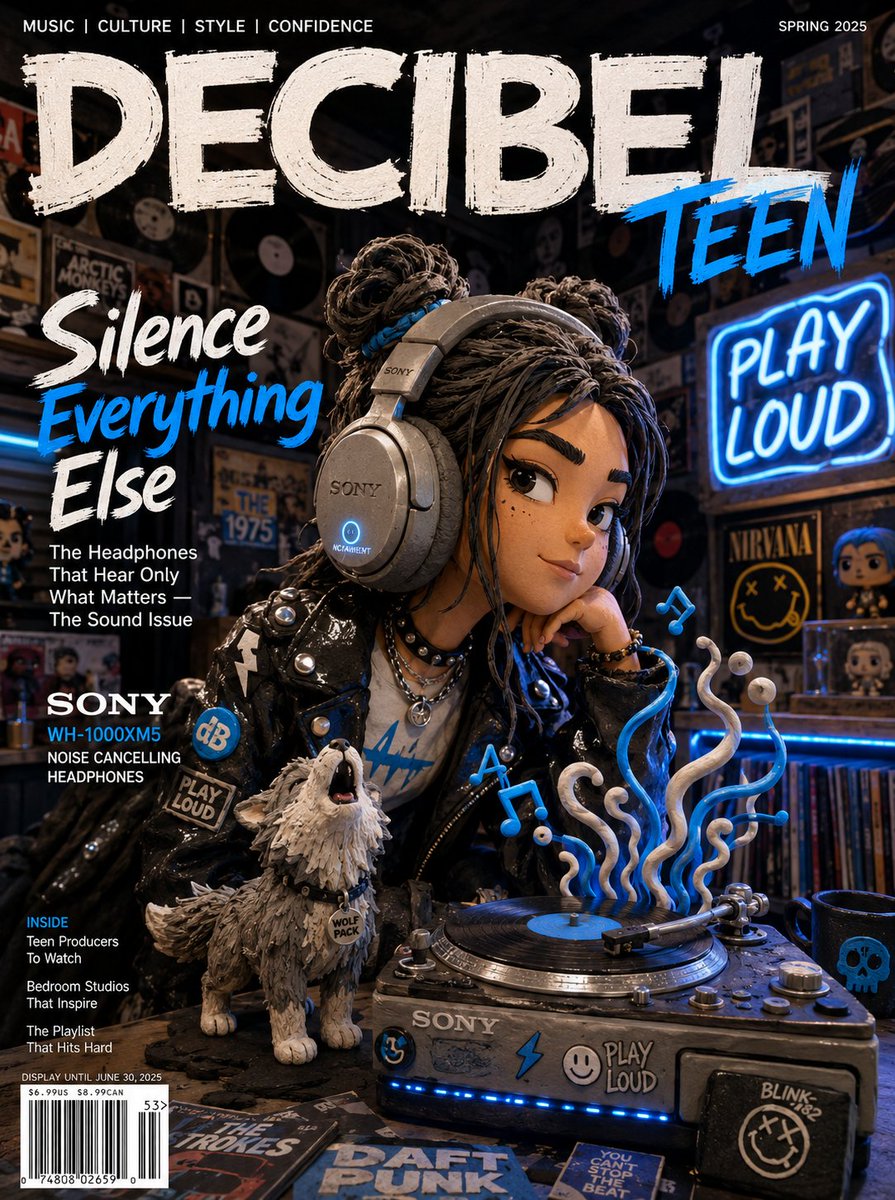
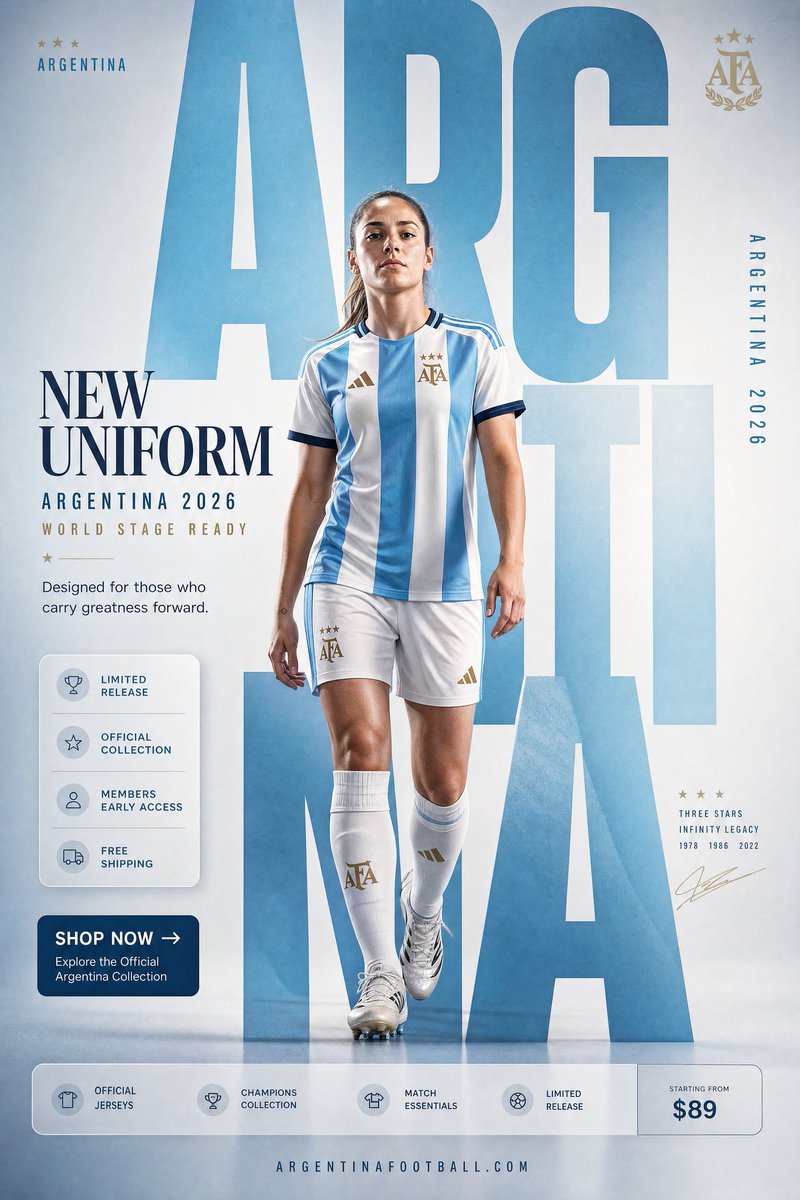
- Reliable in-image text. GPT Image 2 renders crisp, accurate text — headlines, labels, UI copy — reliably enough to ship, which has long been the hardest test for image models.
- Reference images as input. It accepts up to 4 reference images, so you can hand it your actual product or character rather than hope the prompt reconstructs it.
- Edits, masks, and outpainting. Native image-to-image, mask inpainting, and outpainting give you surgical control over an existing image, not just fresh generations.
- Flexible 1K / 2K / 4K output. Multiple aspect-ratio presets across three resolution tiers, including 4K on widescreen aspects.
- World-class prompt following. GPT Image 2 holds long, detailed prompts together — composition, lighting, multiple subjects — without dropping instructions.
- A genuinely free on-ramp. At gpt-img2.com you can start free (20 credits on sign-in, no credit card) at 1K Standard.
The headline difference: GPT Image 2 gives you a precise, controllable, prompt-faithful workflow with reference images and masks — and a free way to try all of it.
Two of these strengths are worth dwelling on, because they change day-to-day work. Mask inpainting means you can select one region — a sign, a face, a product label — and regenerate only that area while everything else stays pixel-stable. That is how you fix the 90%-right image without re-rolling the whole thing and losing what already worked. And the up-to-4 reference images turn "describe a thing and hope" into "show the thing and constrain." For product shots, packaging, or a recurring character, feeding the actual subject is far more dependable than reconstructing it from adjectives. Combined with strong prompt adherence, GPT Image 2 behaves less like a slot machine and more like a tool you can aim.
A real brief, run through both
Abstract specs only get you so far, so picture a common job: a product launch poster. You have a clean photo of the product, a headline that must read perfectly, two supporting reference images for mood, and you need it in 4K for print plus a square crop for social.
On the Nano Banana side, you'd likely reach for Nano Banana Pro. Its ability to blend up to 14 references is overkill here but means your product, mood shots, and a logo can all go in at once. Multilingual, legible text rendering handles the headline, and 4K output covers print. If you also need a labeled spec diagram beside the hero shot, the Gemini 3 reasoning underneath is a genuine advantage. You'd refine it conversationally in the Gemini app — "warmer light, move the headline up" — and export.
On the GPT Image 2 side, you'd pass the product photo plus up to 4 references, write a tight prompt for layout and headline, and generate at 4K widescreen, then a 1K square variant for social. When the headline is 95% right but the kerning is off on one word, you mask just that text region and regenerate it without disturbing the rest — the kind of surgical fix that saves a re-roll. And you can do the whole first pass on the free tier before deciding whether to upgrade.
Neither result is categorically "better." The Google path wins if you need many references fused or knowledge-grounded diagrams; the GPT Image 2 path wins if you want masked, surgical control and a free dry run. That is the honest shape of this comparison.
Head-to-head: the facts that matter
Here is the verified side-by-side. Nano Banana figures come from Google's official pages; GPT Image 2 figures reflect gpt-img2.com's documented capabilities and pricing.
- Maker — Nano Banana: Google DeepMind (Gemini). GPT Image 2: OpenAI.
- Top-tier model — Nano Banana Pro (Gemini 3 Pro Image). GPT Image 2 (single flagship).
- Reference / blend inputs — Nano Banana Pro: up to 14 images blended. GPT Image 2: up to 4 reference images.
- Character consistency — Nano Banana Pro: up to 5 people. GPT Image 2: identity hand-off via reference images (not guaranteed, but built in).
- Resolution — Both reach 4K (GPT Image 2 spans 1K/2K/4K; Nano Banana Pro supports 2K/4K).
- In-image text — Both strong; Nano Banana Pro emphasizes multilingual text; GPT Image 2 emphasizes ship-ready accuracy.
- Editing model — Nano Banana: conversational multi-turn editing. GPT Image 2: edits + mask inpainting + outpainting.
- Free start — Nano Banana: no free tier on the Gemini image API (per ai.google.dev). GPT Image 2: free to start at gpt-img2.com (20 credits, no card).
Pricing: read this carefully
This is where teams trip up, so here are the numbers as of 2026 — and note the two sides are billed differently, so compare like with like.
Google's official API pricing (ai.google.dev/gemini-api/docs/pricing): Gemini 2.5 Flash Image (original Nano Banana) costs about $0.039 per image. Gemini 3 Pro Image (Nano Banana Pro) is token-billed and works out to roughly $0.134 per 1K/2K image and $0.24 per 4K image, with a 50% Batch-API discount available. Google lists no free tier for either image model on the API (its consumer surfaces, like the Gemini app, may offer limited free quotas separately).
gpt-img2.com pricing for GPT Image 2 (this is the site's subscription economics, not OpenAI's raw API rate): free to start at 1K Standard (20 credits on sign-in, no credit card). Paid plans begin at $9.90/month, and on the Studio plan a 1K image works out to about $0.025 each. 2K square runs roughly $0.098/img and 4K widescreen about $0.392/img on Studio.
Two honest takeaways: (1) the original Nano Banana (Flash) at ~$0.039 is cheaper per image than Nano Banana Pro and competitive at the low end; (2) for 1K work, GPT Image 2 on the gpt-img2.com Studio plan (~$0.025/img) undercuts both Google API tiers — and unlike Google's image API, gpt-img2.com offers a free way to start. Always confirm current Google figures at ai.google.dev, since preview pricing can change.
Which one should you use?
There is no universal winner — there is a right tool for your context.
- Choose Nano Banana Pro when you live inside Google's ecosystem (Gemini app, Slides, Workspace), need to blend many references (up to 14) in one composition, or want multilingual text and reasoning-grounded infographics.
- Choose the original Nano Banana (Gemini 2.5 Flash Image) when you want fast, cheap, conversational edits and don't need Pro-tier resolution.
- Choose GPT Image 2 when you need tight prompt adherence, reference-image and mask-based editing control, ship-ready in-image text, flexible 1K/2K/4K output, and — crucially — a free, no-card way to start at gpt-img2.com before committing budget.
- Choose both when it makes sense. Many teams draft and iterate in one tool and finish in another. These models are complementary, not mutually exclusive.
The bottom line
In 2026, GPT Image 2 and Nano Banana are both top-tier, and the "winner" is whichever fits your workflow. Nano Banana Pro wins on ecosystem depth, heavy multi-reference blending, and multilingual text; the original Nano Banana wins on cheap, fast edits; GPT Image 2 wins on prompt precision, reference + mask control, flexible resolution, and a genuinely free starting point.
The easiest way to decide is to try GPT Image 2 on your own prompts — your actual product shots, your real headlines, your specific edits. It's free to start at gpt-img2.com (20 credits, no credit card), so you can judge quality on your own work before spending a cent. Run the same brief through Nano Banana in the Gemini app, compare the outputs, and let the results pick the winner for you.
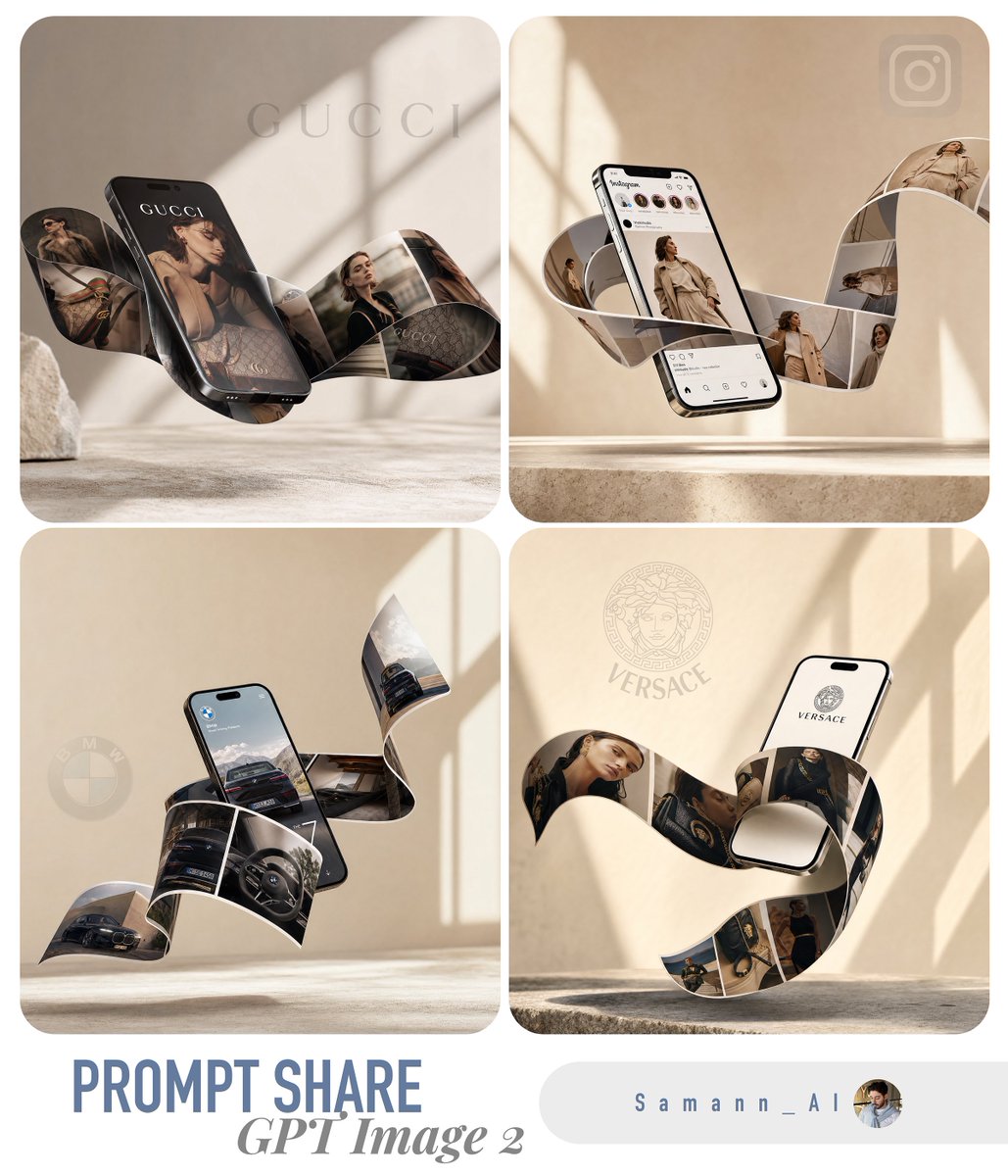
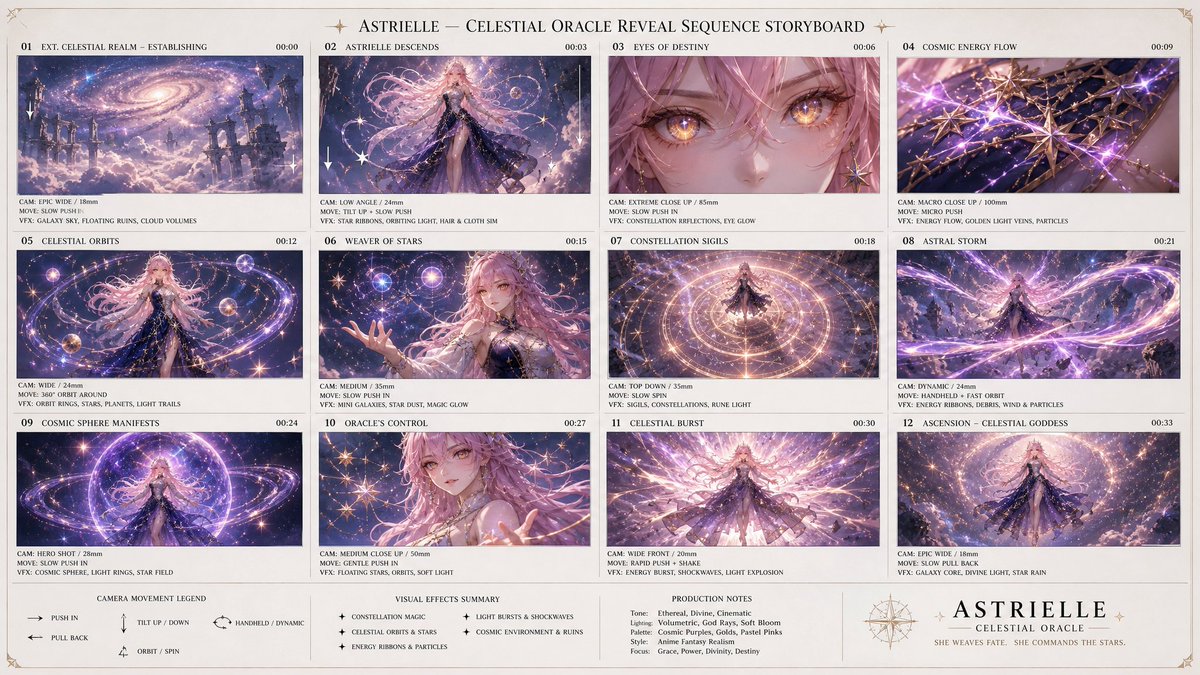
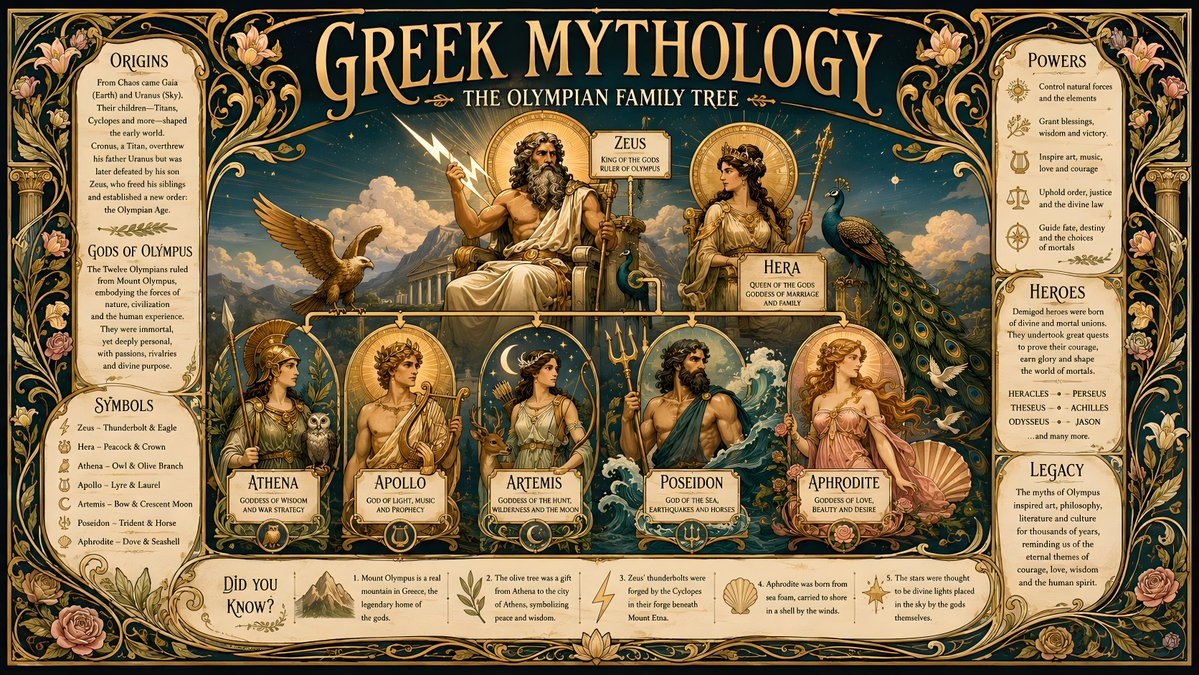
Try these GPT Image 2 prompts
Try these techniques now
Open the free GPT Image 2 generator and put this into practice — 20 free credits, no credit card.