GPT Image 2 Thinking Mode: Reasoning + Web Search Guide
Trigger the reasoning pass, know which prompts it actually improves, and write grounded prompts that pull live visual references.
An image model that thinks before it draws
gpt-image-2 — the consumer brand is ChatGPT Images 2.0, launched April 21, 2026 — is OpenAI's first image model with native reasoning. Before it renders anything, it runs a chain-of-thought pass: planning the composition, checking spatial relationships between objects, validating that any text in the image will be spelled correctly, and self-correcting before committing to pixels. The practical payoff is a lower first-attempt failure rate and less of that "instantly looks AI" feel that plagued earlier models.
The detail most users miss is that this is a two-tier feature. Free ChatGPT users get Instant mode — fast, no reasoning pass. Thinking mode, with the planning step and web-search grounding, is reserved for Plus, Pro, and Business subscribers. If your results look nothing like the launch demos, check which tier you're actually generating on before you blame your prompt.
How to trigger Thinking Mode
There are two ways in. The explicit way is the reasoning toggle in ChatGPT: switch it on and every image request gets the planning pass. The prompt-level way is phrasing — adding a line like "think through this carefully" to an image request nudges the model down the reasoning path. The phrase costs nothing, so on any prompt that matters, include it.
Does the mode actually change output? In The Decoder's hands-on testing, the Thinking version produced visibly better detail on demanding prompts like "DSLR-quality photorealistic portrait" than the same prompt run on Instant. On easy prompts the gap narrows; on hard ones it's the difference between one usable take and three retries.
Think through this carefully before generating: a DSLR-quality photorealistic portrait of a ceramicist in her studio, soft window light from the left, shallow depth of field, hands dusted with dried clay, honest skin texture — no beauty-filter smoothing.A trigger phrase plus a demanding photorealistic brief — the prompt type where Thinking visibly outperforms Instant.
Which prompts measurably benefit
Reasoning is overhead, and overhead only pays off where planning matters. Three prompt families benefit measurably:
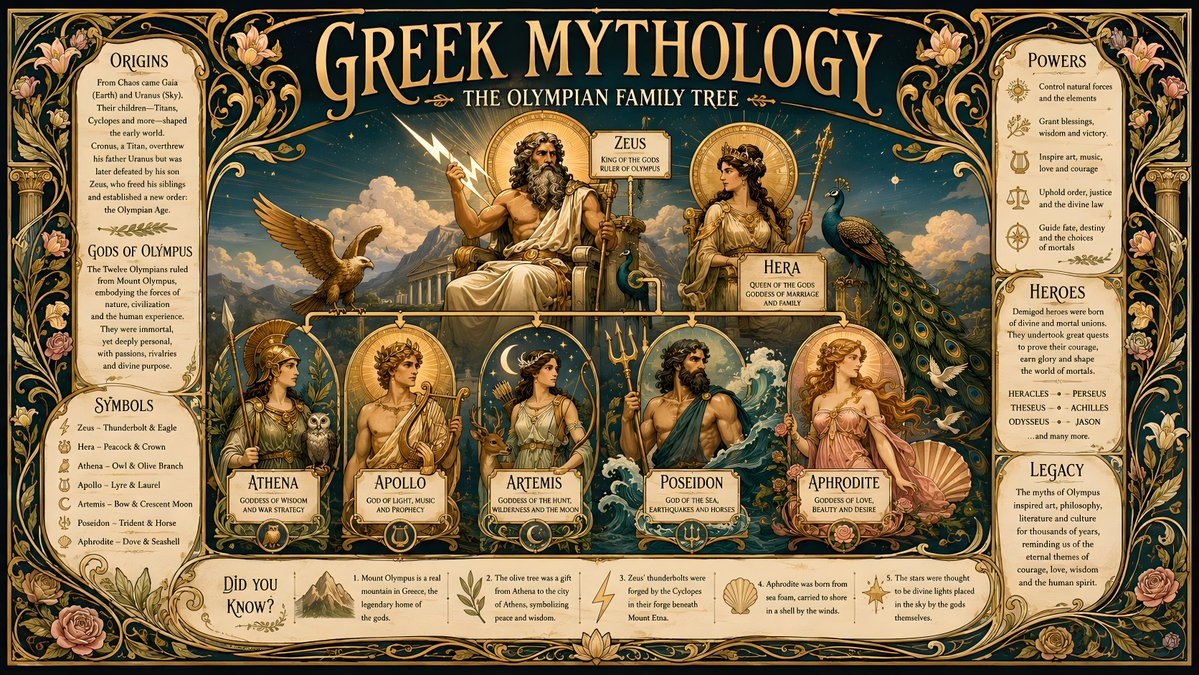
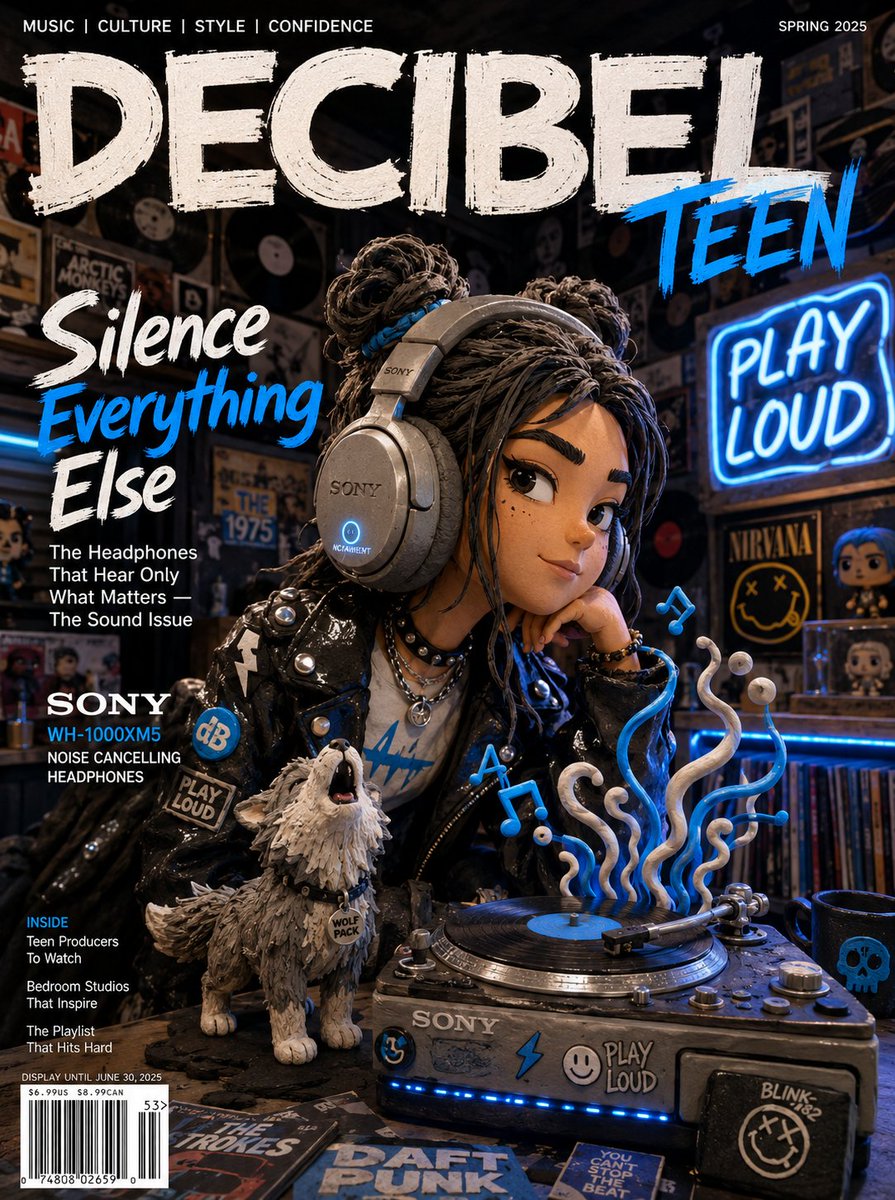
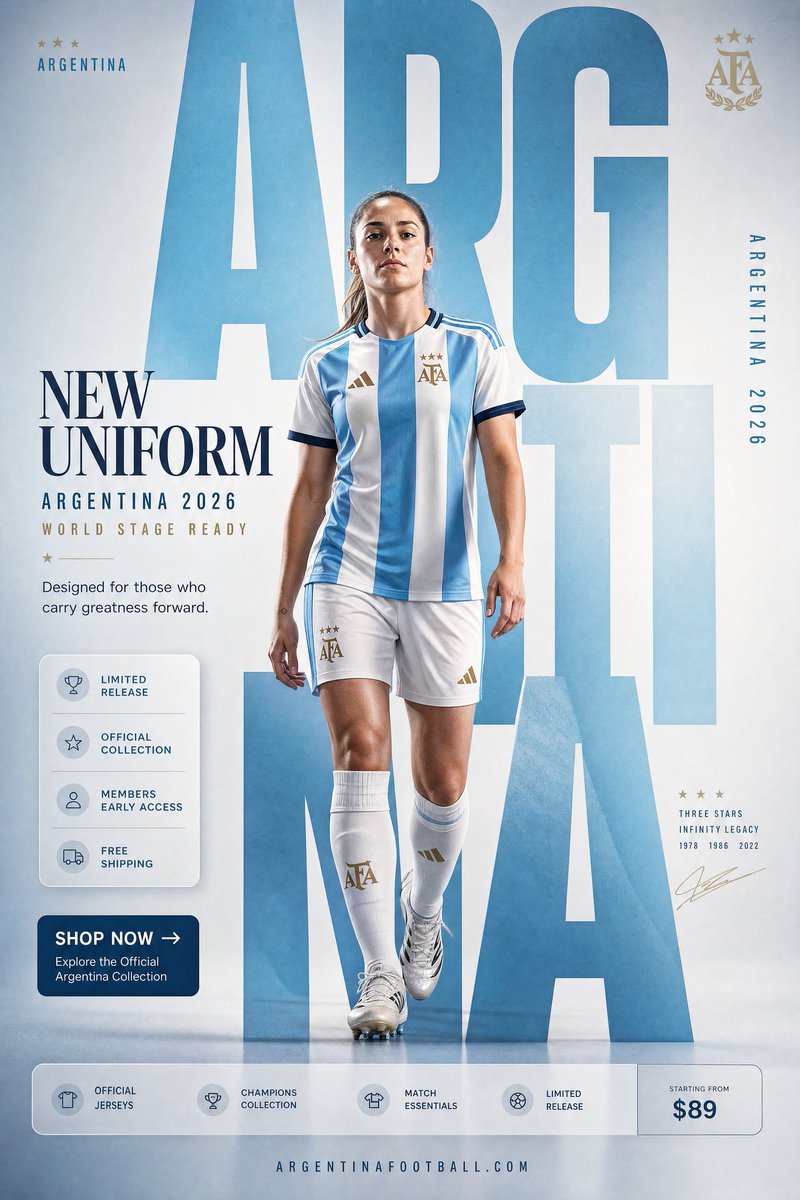
- Text-heavy images — posters, labels, UI mockups. The model validates spelling and layout during the reasoning pass instead of discovering garbled type after rendering.
- Spatially complex scenes — many objects with defined relationships, where earlier models silently dropped or merged elements.
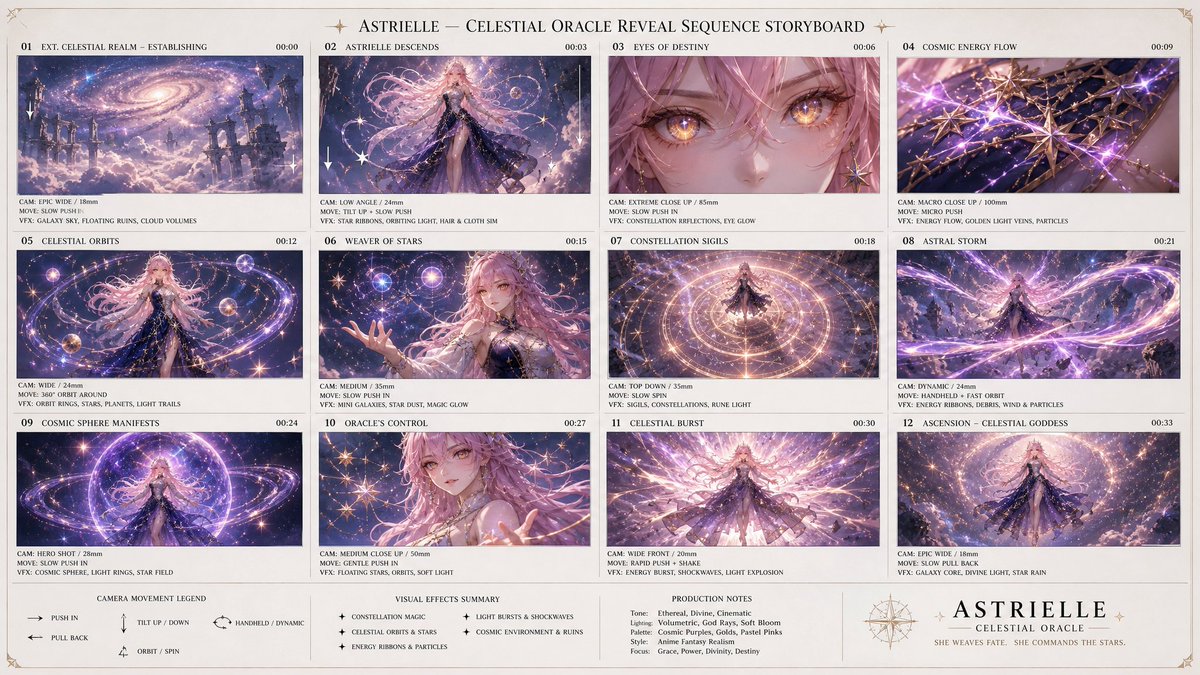
- Multi-frame sequences — anything that needs the same character, lighting, and style across several images (more below).
The community numbers back this up. Simon Willison's Where's-Waldo-style test — "where is the raccoon holding a ham radio" — passed at the maximum 3840x2160 resolution (reportedly about $0.40 per image and 13,342 output tokens) where predecessor models failed; his verdict was that it "takes the crown from Gemini, at least for the moment". The GenAI Showdown community benchmark scored gpt-image-2 at 12/15 on strict-adherence prompts, surpassing previous leaders. OpenAI itself claims it tops every Image Arena leaderboard, with a +242-point Text-to-Image lead it describes as the largest in that leaderboard's history — a vendor claim, but directionally consistent with the independent results.
One honest caveat from the launch thread on Hacker News: in a user's 8x8 Pokémon-grid test with conditional styling rules, GPT Image 2 won on visual quality but Nano Banana Pro followed the conditional logic better. If your prompt is essentially a rulebook — "every third cell in grayscale, water types get a blue border" — test both before committing a pipeline to either.
Web-search-grounded generation
The bigger unlock inside Thinking Mode is retrieval. During its reasoning pass the model can search the web in real time for visual references, so it can target currently trending styles or recent real-world facts instead of approximating from training data that froze months earlier. It's the first time RAG-style retrieval has entered an image-generation pipeline — paralleling Google's approach with Nano Banana Pro — and The Decoder calls it a breakthrough that could fundamentally reshape graphics generation. Like the reasoning itself, it's gated to paid subscribers.
Writing a grounded prompt means anchoring to something the model should look up rather than imagine. The pattern: name a live, observable visual reference, then describe your subject.
- "A product shot in the style currently trending on Instagram for skincare brands" — the model searches first, then generates.
- "A UI mockup that matches the visual language of modern fintech apps" — grounded in what those apps actually look like right now.
Vague gestures ("a modern-looking website") don't trigger useful retrieval; a checkable reference ("currently trending", "this season's campaign look") does.
Multi-frame consistency: up to 8 images per prompt
Thinking Mode can generate up to 8 images from a single prompt while keeping the character, objects, lighting, and style consistent across frames. This is where the reasoning pass earns its cost most visibly: the model plans the whole sequence before rendering frame one, instead of treating each panel as an independent roll of the dice.
Generate an 8-panel manga sequence of the same silver-haired detective walking through a rainy Tokyo street at night. Keep the character design, trench coat, facial features and umbrella identical in every panel. Maintain the same neon-reflection lighting and ink-wash style across all 8 frames. Panel flow: wide establishing shot, medium follow, close-up on the eyes, reflection in a puddle, turning into an alley, noticing a clue, picking it up, final wide shot from behind.An 8-frame sequence prompt — the consistency clause is stated as an explicit constraint, not left implied.
State the consistency requirement explicitly — "keeping the character design, outfit and lighting consistent across all panels" — rather than assuming the model infers it. The reasoning pass treats it as a constraint to verify, which is exactly what you want.
Instant or Thinking: a simple decision rule
Instant is fine for moodboards, throwaway concepts, and single-subject images with no text. Switch to Thinking — or phrase your prompt to trigger it — the moment your image contains words, more than three or four objects with defined relationships, or any requirement for consistency across frames. That's the line where the planning pass stops being overhead and starts being the product.
If you want to feel the difference before committing to a subscription, GPT Image 2 is free to start — you get 20 credits on sign-up, no credit card required. Paste one of the prompts above, or run your own text-heavy poster test, at https://gpt-img2.com.
Try these GPT Image 2 prompts


Try these techniques now
Open the free GPT Image 2 generator and put this into practice — 20 free credits, no credit card.